Many AI products are good at answering questions. Recreation management involves plenty of questions too, but repetitive tasks can drown out much of the work.
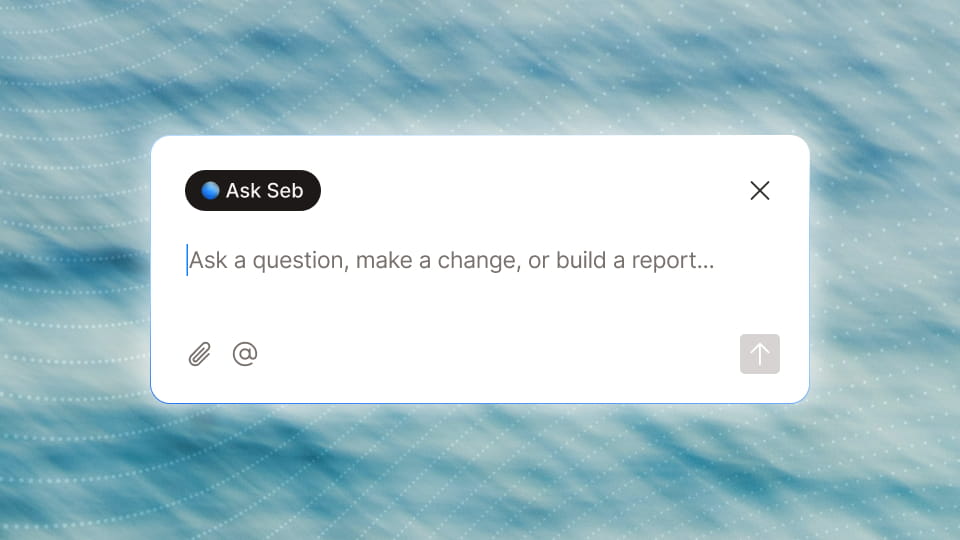
One of the unique things about Seb is that it can go from question to action. However, for Seb to take action, it needs more than access to information. It needs tools.
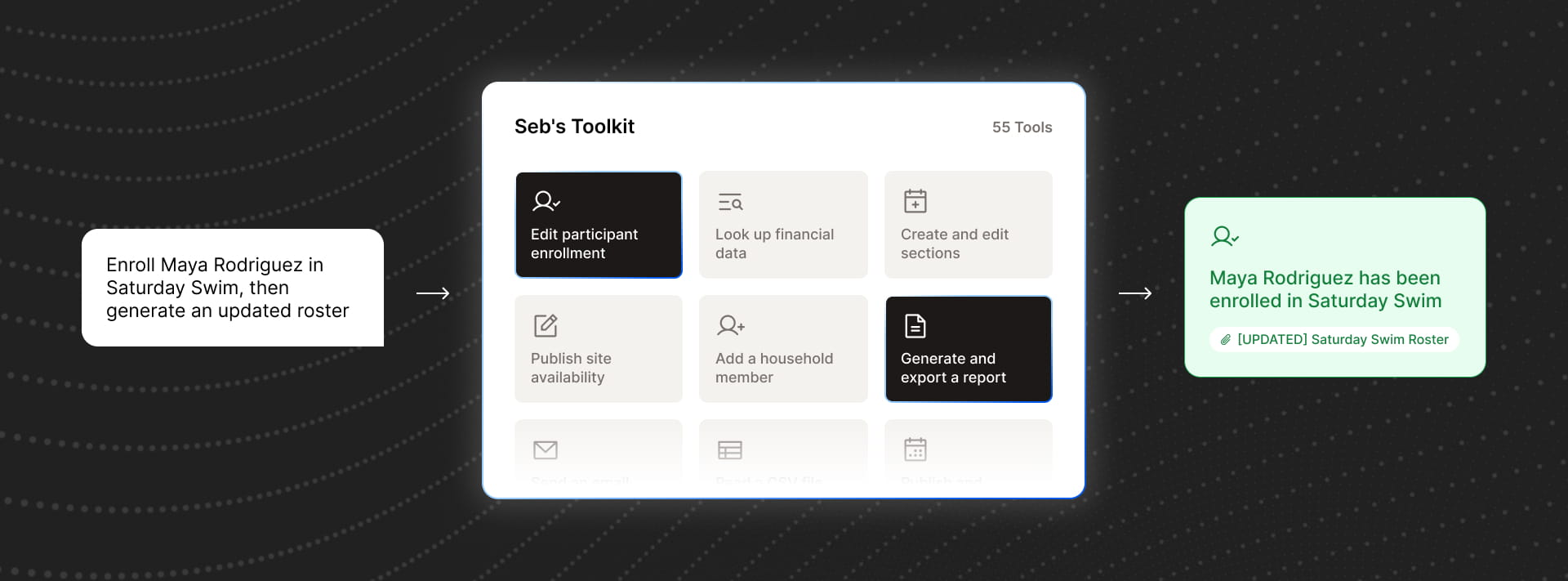
In AI parlance, a “tool” is a specific capability Seb can call when it needs to take an action inside of Rec. Think of each one as a piece of application functionality Seb is trained to use: one tool can enroll someone in a program, another can change a class's capacity, and another can change the time of a court reservation. The LLM (Large Language Model like ChatGPT) helps Seb understand what a staff member is asking for, but making tools available, along with the associated training material (think of it as a tool “manual”), is what gets the job done.
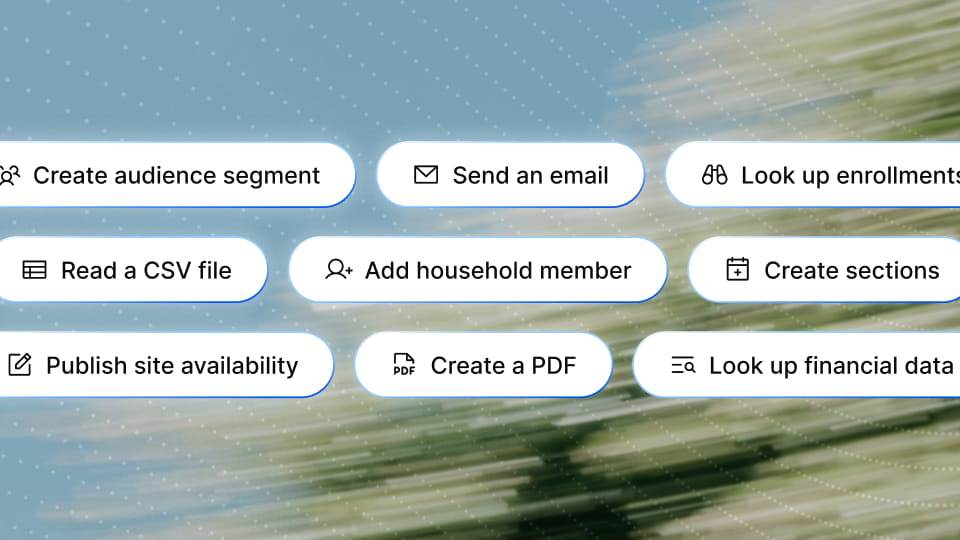
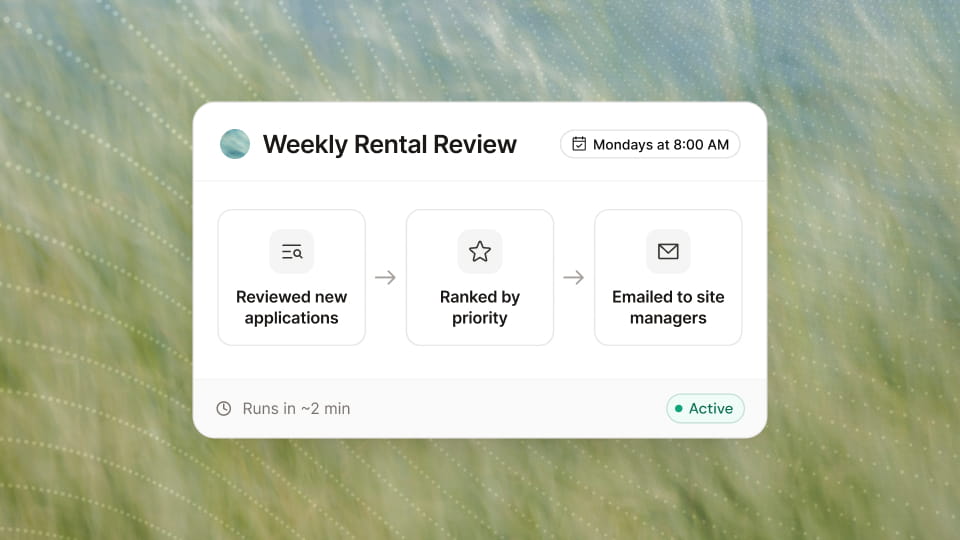
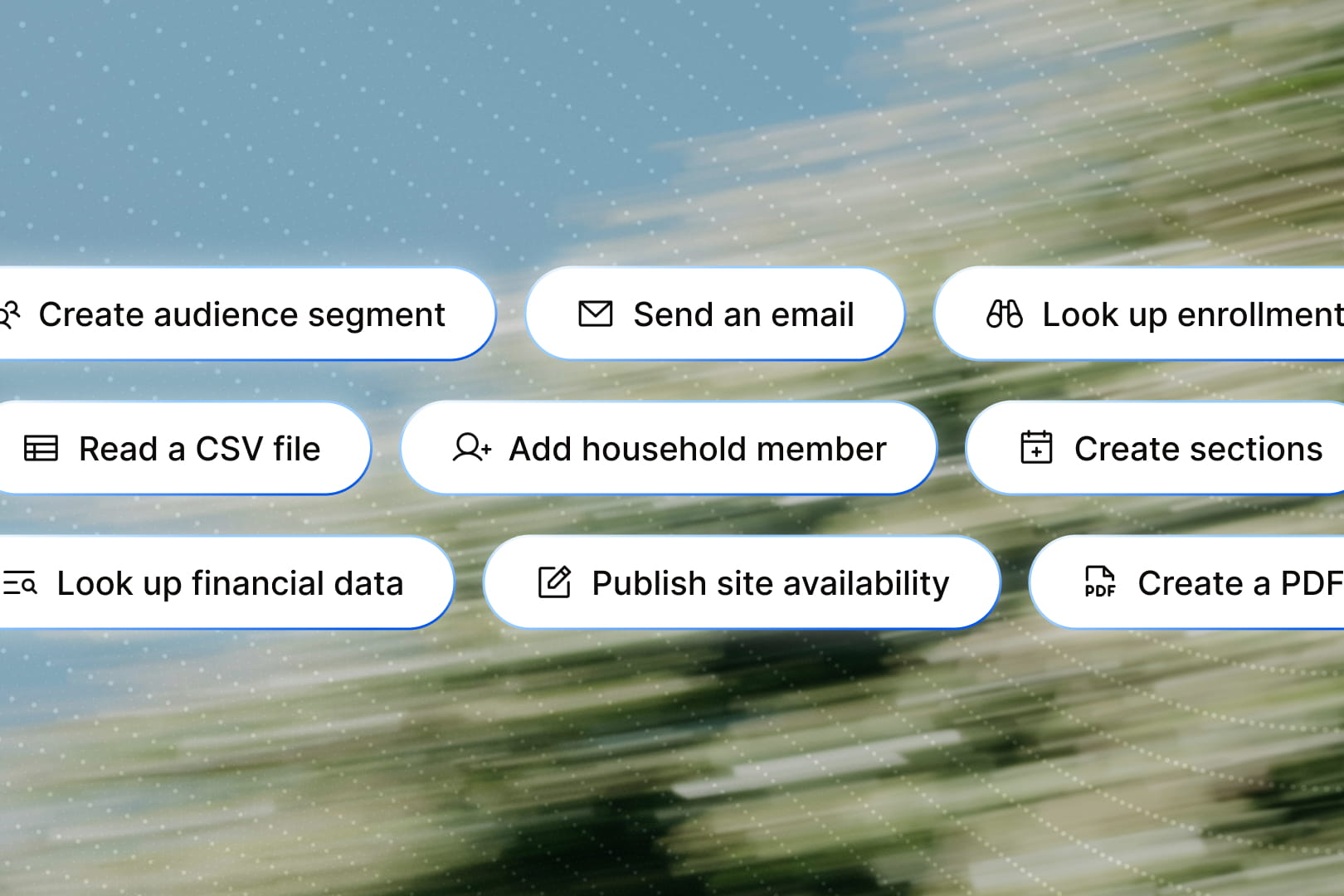
In traditional recreation software, each of those actions usually means finding a different screen and working through a different flow. Seb can handle them in the same conversation. We’ve created dozens of tools for areas like enrollment, section management, facilities, rentals, reporting, and pricing. If a staff member says, “Enroll Maya Rodriguez in Saturday Swim, then generate an updated roster,” Seb can use the enrollment tool for one step and the reporting tool for the next.
How do we stay in control of Seb?
We make each tool intentionally narrow. There isn’t a generic function that accepts an arbitrary instruction and tries to make modifications directly in Rec’s database. An enrollment tool knows the inputs required to make each booking, and the schedule-edit tool knows it requires a facility and a time change to proceed.
Under the hood, those tools define their arguments with Zod schemas and have explicit execute functions. Action tools can also provide preview behavior, compensation logic for undo, permissions, reversibility, and instructions for resolving the data their arguments require.
That structure gives us a good place to enforce the same application rules staff members would encounter elsewhere in Rec. If Maya is already enrolled, for example, the enrollment path can identify that specific condition instead of returning a generic failure and asking the model to guess what happened. A pricing action can load the data, but will then check the same roles and access criteria as the traditional system, allowing Seb to take action if the logged-in staff member has the right permissions.
Confirmation is key
Tools also let us be deliberate about when Seb can act and when it should stop to confirm.
Not every action carries the same level of consequence. Some are low-risk and easily reversible, so Seb can take the wheel and knock them out independently. Others change important records, affect residents, involve money, or are difficult to undo. In those cases, Seb knows to pause, show the proposed action, and ask the staff member to confirm before executing it. The goal isn’t to add confirmation to everything; we want Seb to move quickly, but ask for human judgment when it should.
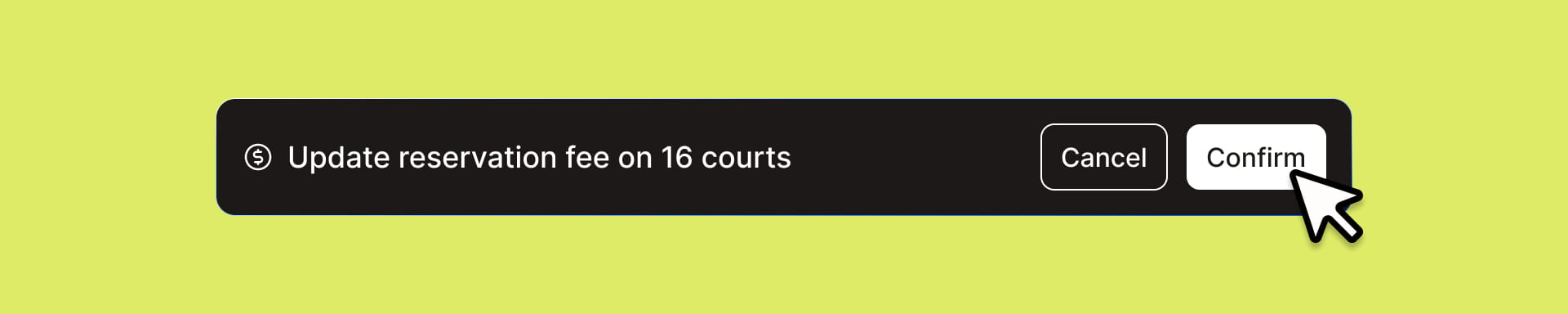
Confirmation is an example of Seb’s toolkit supporting “composable behavior.” We attach certain behaviors to certain tools, plus behaviors like enabling bulk execution, setting rate limits, or requiring senior review. We can add these as wrappers rather than reimplementing them inside every action, allowing our toolkit to scale dramatically.
Seb gets breadth not from one all-powerful AI function, but from having many focused pieces of application functionality with clear tools. We internally track “tool coverage” or the number of functions in Rec that Seb is trained to operate on. Today Seb has over 55 tools, and we expect over 200 before year-end. As we keep expanding tool coverage, Rec becomes a recreation management system that can simply run itself.