← All updates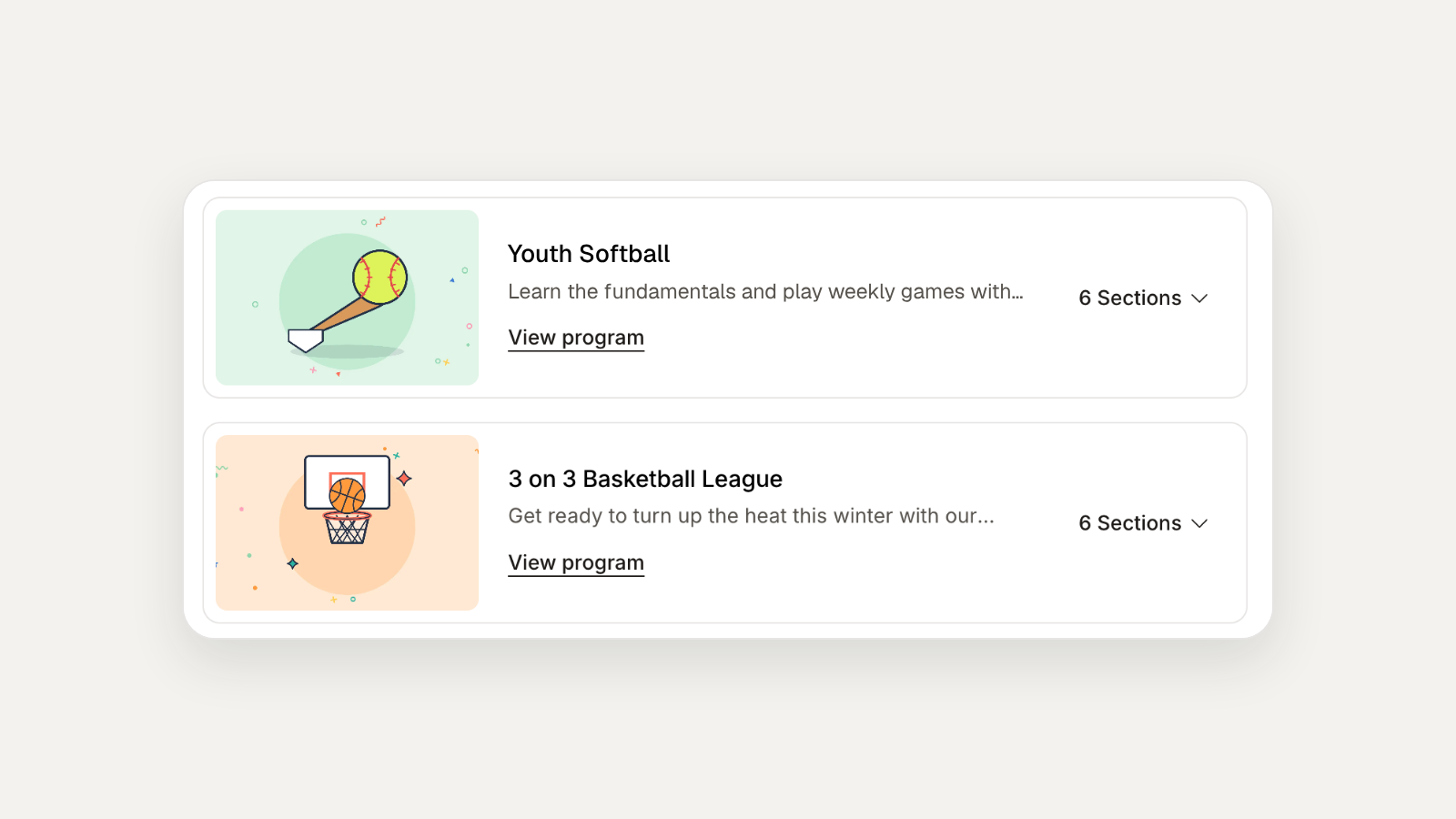 ← Back to all updates
Program images and 15+ more new features
Now live in Rec: Program images, bulk section editing, rental approvals, nightly booking, split GL codes, and processing fee refunds.
New features
Programs & Registration
- Give every program richer imagery: the programs list now can show an image for each program. A fallback image appears until you add your own, so departments should update each program’s image to show what it offers.
- Update many sections at once: select sections to edit settings like pricing, registration windows and facilitators, or to publish, unpublish, archive, message or export them together.
- Duplicate sections without the cleanup: update the details that change, like registration dates, location or schedule, right in the duplicate modal. Everything else copies over as is.
- Control how residents see your sections: reorder a program’s sections by dragging, typing a position, or sorting by name. The saved order shows on public program pages.
- Help residents at every level find the right fit: list more than one skill level on a program or section. Skill levels show on program pages, discovery cards, and reports.
Seb, your AI teammate
- Onboard instructors in bulk: admins can upload a CSV to make existing users instructors in one step.
- Give residents a specific pass without manual steps: Seb, and routines, can give someone an existing pass at no cost.
Facility rentals
- Approve & deny requests: Now you can approve or deny rental requests from the Pending tab or right on the calendar. Approving creates the facility rental and automatically emails the customer to let them know, so you don’t have to do it manually.
Calendar & Reservations
- Nightly & daily bookings: Set up bookings for nightly and daily sites, by check-in and check-out date, on the admin calendar. Just drag across multiple days to create a booking for any site type.
- Give every reservation a clear owner: assign site reservations to staff with the new Assignee column and filter, including an “Unassigned” option.
Payments
- Split revenue across GL codes: assign multiple GL codes to a program, section or facility rental, split by a set proportion, or override the GL codes for an entire invoice so every item uses the split you specify. This adds new configuration options without changing existing workflows.
- Refund processing fees: Now you can refund processing fees yourself. It’s one checkbox in the refund flow, and a new permission controls which staff can refund the fee.
Store & POS
- Create variants for store items, like size and color: a T-shirt becomes one POS tile with a quick picker instead of a separate item for every size. Variants work on add-ons too, so residents can pick their size when they register or book.
Improvements
Programs & Registration
- Customers only see what they can join: the “Available” filter now hides full and canceled sections.
- Registration deadlines are even clearer: the banner on section pages shows when registration closes, so families can plan ahead.