← All updates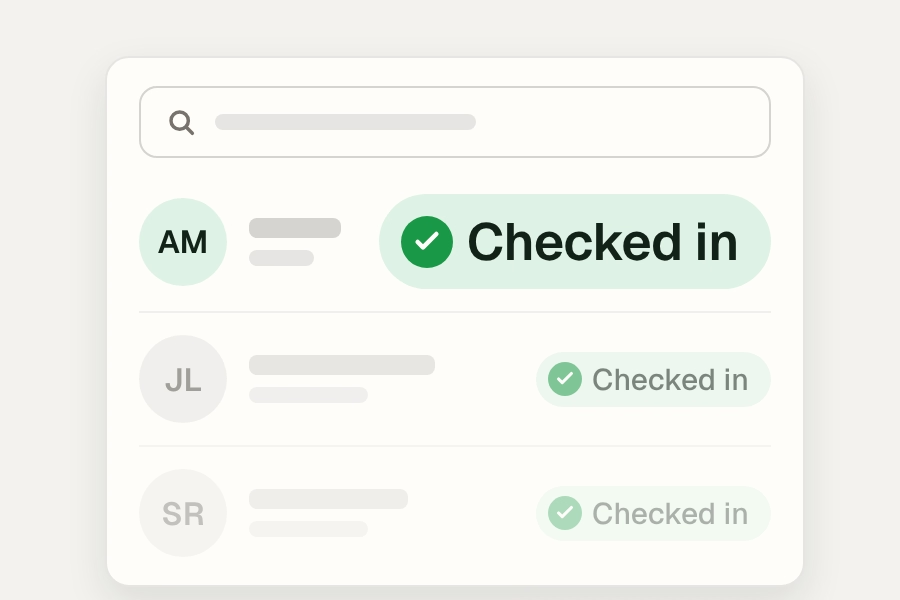 ← Back to all updates
Faster check-in, staff SSO, and dark mode
A redesigned check-in with automatic check-ins and scanning from any page, staff single sign-on, dark mode, and more.
New features
Faster check-in
A redesigned check-in experience is now live for all organizations.
- Automatic check-ins. One valid membership or pass means no pop-up and no click.
- Scan from any page. Once your scanner is set up, scans register anywhere in Rec.
- Quick actions on household profiles. Check in, message, reserve, and enroll right from the header.
A few things have moved:
- Users is now Check In
- Self check-in is Kiosk
- Facility Insights is the Traffic tab
- Groups is in Settings
- To open a household profile, use Search (Cmd+K or Ctrl+K)
Staff sign-in and security
- Staff single sign-on (SSO) is available to any organization with a connected identity provider, including “Require SSO” and SSO for scanning.
- Admins can set a session timeout that signs staff out after a period of inactivity.
Dark mode
- Try dark mode! Turn it on from the account menu or with ⌘⇧D / Ctrl⇧D.
Programs and registration
- Give a role permission to enroll participants past a section’s capacity, with a warning banner instead of an error. Over-capacity enrollments show the overage, like 31/30, and are logged in the activity feed.
- Set a waitlist length that shows a “spot unlikely” warning, so customers see their position before joining.
Facility rentals
- Choose whether rental names and booker initials show on the public calendar, with a site default and a per-rental setting.
Forms
- Add images, with required alt text, between form questions.
- Add formatted text blocks with bold, italics, lists and links.
Events and discounts
- Leave a ticket tier out of the “From $X per person” starting price while keeping it on sale.
- Buy X Get Y discounts can reward a fixed number of items, a range, or “one or more.”
Improvements
Seb
- Seb asks for missing details before acting, and answers help questions with links to help articles.
Facilities
- New site type: Pavilion. Update the site type for your pavilions to improve searchability.
Registration and programs
- Sections with every session canceled now show as “Canceled.”
Payments
- The balance-due modal only charges the card shown on each row. When that card can’t be used, the Charge button is disabled and the reason is shown.
- Charges for more than 10 customers now run in the background. A “Charges processing” message appears and the balance-due table refreshes on its own.